
HOA Access Control: Is It Time for Smart Locks?
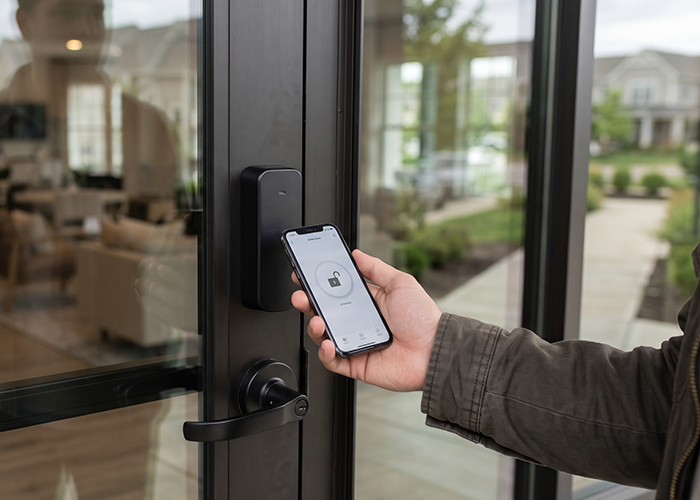
A smart lock in an HOA can make it easier for residents to enter a pool, gym, clubhouse, or other shared space without tracking down a key.
Browse By Category
Sign up for Our Newsletter


Sign up for Our Newsletter
Trending Now


A smart lock in an HOA can make it easier for residents to enter a pool, gym, clubhouse, or other shared space without tracking down a key.
What Boards Should Know
A smart lock is an electronic lock that controls entry through a keypad, card, phone app, fob, or another approved credential. Some models connect to the internet, while others work locally and store access permissions in the device or a nearby controller. In a community association, these systems can be used on :
- Amenity doors
- Storage rooms
- Gates
- Package rooms
- Staff-only areas
A smart lock does not always replace the entire door lock. Some products fit over an existing deadbolt, while commercial systems may use electric strikes, magnetic locks, or electronic hardware built for a shared entrance.
The right choice depends on the door, the level of traffic, fire and building rules, and who will manage access after installation.
The central question is not whether the technology looks modern. It is whether it solves a problem the community actually has. If residents often lose keys, staff spend hours issuing replacements, or access needs change often, electronic credentials may help. If a door rarely needs changes and current keys are well controlled, the added cost and maintenance may not make sense.
Where Smart Locks Can Help a Community
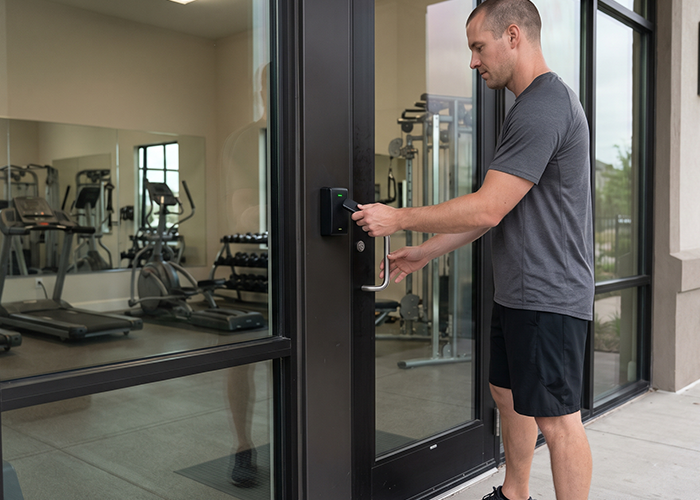
Shared spaces tend to create access challenges. A pool gate may need seasonal hours, a fitness room may need resident-only entry, and a clubhouse may need temporary access for a reservation. A managed system can make those changes faster than copying and distributing physical keys.
Boards may also reduce the number of physical keys in circulation. When a resident moves out, a phone credential or access code can be disabled without changing every lock. This can save time and reduce lock-rekey costs, though it does not remove the need to manage keys for emergencies or mechanical backup.
A smart lock can also make vendor access more orderly. The association might issue a time-limited credential for a scheduled repair instead of leaving a key in an unlocked box. A temporary credential should still be limited to the doors and times the vendor needs, and someone should verify that it expires as planned.
The benefits often matter most in larger communities or buildings with several common doors. A small association with one clubhouse may prefer a simple keypad. A multi-building property may need a centralized access control system with separate permissions for residents, staff, vendors, and guests.
Choose the Right Lock for the Door
Not every smart lock suits every entrance. An interior amenity door has different needs from an exterior pedestrian gate exposed to rain, heat, salt air, or heavy use. Before getting quotes, have a qualified locksmith or access-control contractor inspect the actual doors and hardware.
Consider how the entrance works today.
- Does it latch reliably?
- Is the frame in good condition?
- Does the door need to close and lock automatically?
- Will the new hardware work with the building’s existing fire and life-safety systems?
A technology upgrade will not fix a worn door or a weak frame.
The board should also ask whether the product supports a dependable fallback. Some locks accept a physical key, while others may need an external power source, battery replacement, or a specific emergency procedure. The plan should explain what happens if the battery dies, the internet goes down, a resident’s phone is lost, or the vendor’s system is unavailable.
Before choosing a system, ask vendors to explain:
- Which credential types it supports, such as codes, fobs, cards, or phone access.
- Whether it works if the internet or power fails.
- How the system alerts staff to low batteries, forced entry, or a door left open.
- Whether the hardware is rated for the location and expected traffic.
- How long the manufacturer provides security and software updates.
- What service, replacement parts, and subscription fees cost over time.
Review Governing Documents and Local Requirements
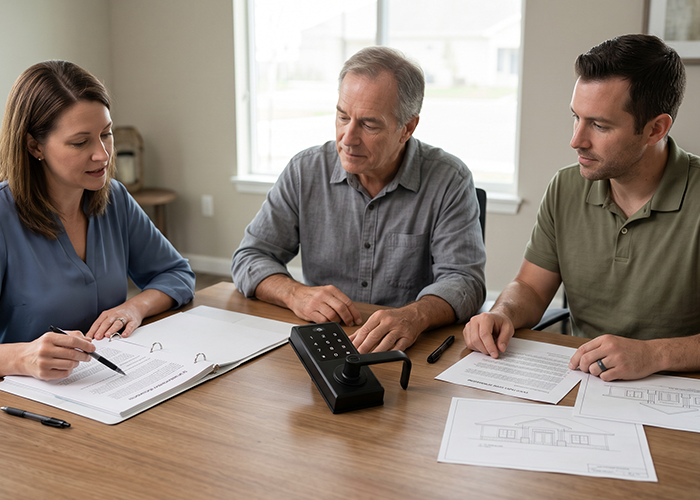
The association should check its declaration, bylaws, rules, maintenance responsibilities, and any architectural standards before changing common-area doors or gates. The documents may spell out who controls the space, who pays for repairs, and what approval is needed for a change. State and local laws may also affect building access, fire safety, accessibility, and records practices.
If the proposed lock will affect a resident’s unit door, the board should be especially careful. A unit entrance may be an owner responsibility, a common element, or subject to limits in the governing documents.
A community rule should not assume that the association can require residents to buy a specific device or grant access to a vendor without first reviewing the relevant documents and law.
Ask the association’s attorney and insurance professional to review the plan when the system changes common-area access, creates access logs, or could shape resident expectations about protection.
A lock can control entry, but it cannot guarantee that crime will not occur. Community communications should describe what the device does and who maintains it without promising more than the system can provide.
Build a Fair Access Policy Before Installation
A new system works best when the board settles the rules before residents receive credentials. A written policy can keep access consistent and help staff answer routine questions.
It should explain who qualifies for access, who may authorize changes, and how residents request help.
The policy should cover the practical details, including:
- How residents receive, activate, and replace credentials.
- How household members, renters, caregivers, and guests gain access.
- Whether vendor and contractor credentials expire automatically.
- Who can add or remove users and how approvals are recorded.
- What residents should do if a phone or fob is lost.
- How to report a lockout or a door that will not secure.
- How residents can request an accommodation or alternate credential.
The same rules should apply across the community, subject to the governing documents and applicable law.
For example, a resident without a smartphone should have a reasonable way to enter the amenity. A keypad, fob, or card may help avoid making phone access the only option.
Boards should decide how renter access will work before the first lease turnover. The owner may need to confirm which occupants should receive credentials, and the association should know when old access must end.
A clear process prevents the awkward situation in which a former tenant still has working access months later.
Protect Resident Privacy and System Security
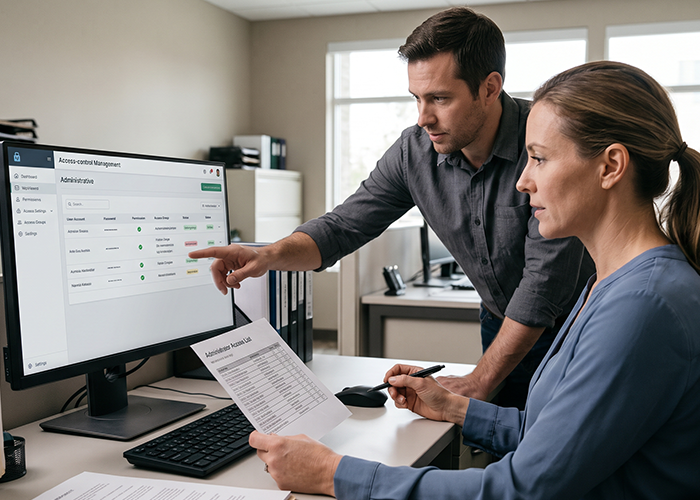
Smart locks can create digital records that show when a credential opened a door. Those records may be useful when troubleshooting a malfunction, but they also reveal patterns about residents’ use of shared spaces.
The board should collect only the information it needs and limit access to people with a clear job-related reason.
Before buying, ask the vendor these:
- what information the system collects
- where it is stored
- how long records remain available
- and who can view or export them.
Find out whether the association can delete an old user and remove that person’s access history when appropriate. Also ask what happens to the data if the contract ends or the vendor closes its service.
Connected locks and their accounts need basic cyber hygiene.
- Change default passwords
- Use unique administrator credentials
- Turn on multi-factor authentication when available
- Keep the app and device firmware current.
Do not share one administrator login among several board members or vendors; use separate accounts so access can be removed when a person’s role changes.
A practical security checklist includes:
- Give each staff member or administrator an individual account.
- Limit permissions to the doors and tasks each person needs.
- Remove access promptly when a resident, employee, or vendor no longer needs it.
- Review administrator accounts and access logs on a set schedule.
- Confirm that updates and technical support will continue for the system’s expected life.
- Keep a written response plan for suspected misuse or a compromised account.
The association should also protect the system’s network connection. If the lock uses Wi-Fi or a cloud service, ask whether the contractor can place it on a separate network from office computers and other sensitive systems.
A reputable vendor should be able to explain its security practices in plain language.
Plan for Emergencies and Outages
A smart lock is one part of an entrance, so the board needs an emergency plan that works even when technology does not. Residents and emergency responders should not be left without a clear way to enter or exit.
The system must be installed and maintained in a way that respects applicable fire and life-safety requirements.
The vendor should demonstrate what happens during a power failure, internet outage, device failure, and fire alarm event.
Ask who can open the door, whether a mechanical override exists, and how the association will reach support after hours. Put the answers in the operating plan rather than relying on a technician’s verbal explanation.
Battery-powered devices need a schedule for checks and replacement. Assign a person or vendor to review alerts, test backup entry, and document maintenance.
If a lock stops working, residents need a temporary access method and a prompt notice that explains what to do.
The plan should address these common situations:
- A resident loses a phone, card, or fob.
- A keypad stops accepting valid codes.
- The door fails to latch or remains unlocked.
- The internet or power service is interrupted.
- A vendor’s temporary credential does not expire.
- A system administrator leaves the association or management company.
Testing should happen before the system becomes the only access method. Have the installer demonstrate each fallback and let the manager or designated board representative practice the steps.
A short drill can reveal confusing procedures before residents are standing outside a locked door.
Compare the Full Cost, not Just the Hardware
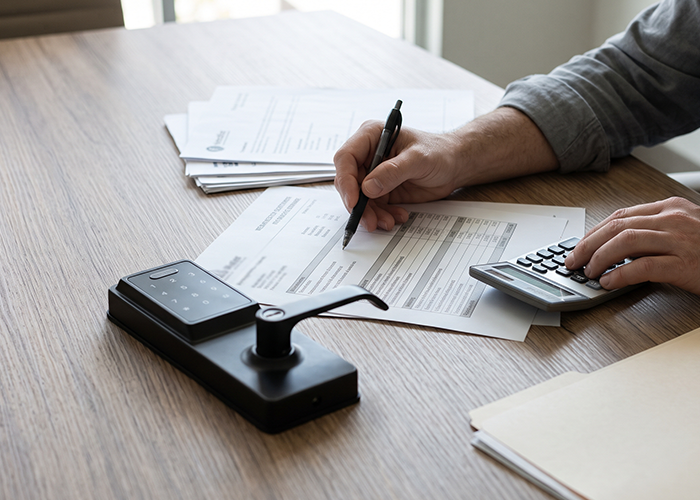
The purchase price is only one part of the budget. A smart lock project may include:
- Hardware
- Door repairs
- Wiring
- Network equipment
- Installation
- Software subscriptions
- Credential cards
- Staff training
- And ongoing support
Ask vendors to separate one-time charges from recurring fees so the board can compare proposals fairly.
The association should also consider how much staff time the system will require. A low-cost product may create extra work if credentials must be updated by hand or if its app is hard to manage.
A more complete commercial system may cost more at first but handle multiple doors and user groups with less manual effort.
Ask each bidder to provide a written scope that identifies the following:
- Equipment
- Installation tasks
- Warranty
- Support hours
- Update policy
- Service rates
Confirm who owns the administrator account and whether the association can move its data and credentials if it changes vendors. Avoid a setup that leaves the community dependent on one contractor’s personal login.
A small pilot can help the board learn before committing to every entrance. Start with:
- one low-risk amenity door
- gather resident feedback
- track maintenance calls
- credential issues.
If the trial creates more confusion than convenience, the association can adjust the policy or select another system before expanding.
Communicate the Change to Residents
Residents are more likely to accept a new access process when they understand the reason for it and know what they need to do. Send instructions before installation, with a clear date for the change and a contact for help.
Use plain language and avoid assuming everyone uses the same type of phone or has reliable mobile service.
The notice should explain how residents will receive credentials, how to test them, and what to do if they do not work. If the change affects guests, renters, caregivers, deliveries, or amenity reservations, address those situations directly. A brief demonstration at a board meeting or community event can answer common questions.
After launch, give residents a way to report problems and collect feedback for a set period. If the board adjusts hours, access groups, or procedures, explain the change and when it takes effect.
Consistent communication helps keep a technology project from becoming a source of avoidable frustration.
A Practical Path for HOA Boards
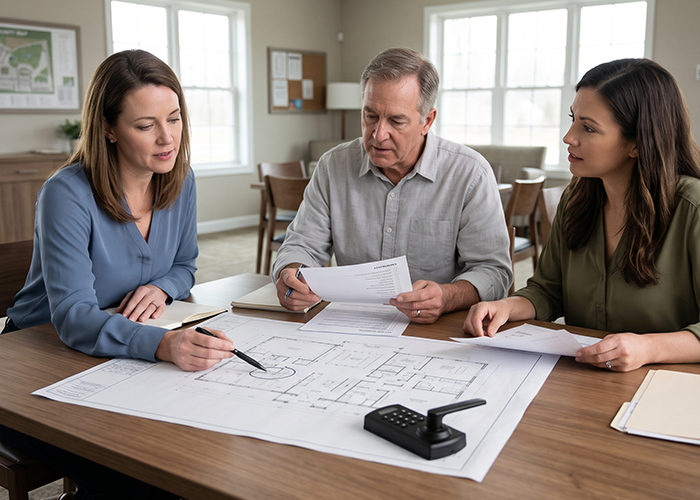
A thoughtful project can move forward in manageable steps. The board can start by defining the problem, then compare options based on the entrance, community size, and staff capacity.
Before approving a contract, confirm the rules, costs, privacy safeguards, backup procedures, and long-term support.
A workable sequence is:
- Identify the doors and access problems the association wants to address.
- Review governing documents and seek legal or insurance input where needed.
- Have a qualified contractor inspect doors and explain code and life-safety needs.
- Compare bids, including recurring fees and support terms.
- Draft the access, privacy, emergency, and maintenance policies.
- Test one door and gather feedback before expanding.
- Train the people who will manage the system and communicate the rollout.
The board should revisit the system after the first few months. Review resident reports, support calls, access changes, and vendor performance.
A lock that works well on paper still needs regular attention once people use it every day.
Make Access Easier With a Clear Plan
A smart lock in an HOA can make shared spaces easier to manage, but the technology alone will not solve every access problem.
Boards get better results when they choose hardware that fits the door, create fair rules, protect resident data, and plan for the day the app or network is unavailable.
With clear policies and a practical backup plan, a smart lock can support smoother access without adding confusion to community life.
Better access control starts with informed decisions and the right support. Explore HOA Management(.com) directory to discover professionals who can help your community take the next step.
Related Articles:
Trending Now

Related Article


Sign up for Our Monthly Newsletter
Sign up below for monthly updates on all HOA Resource